
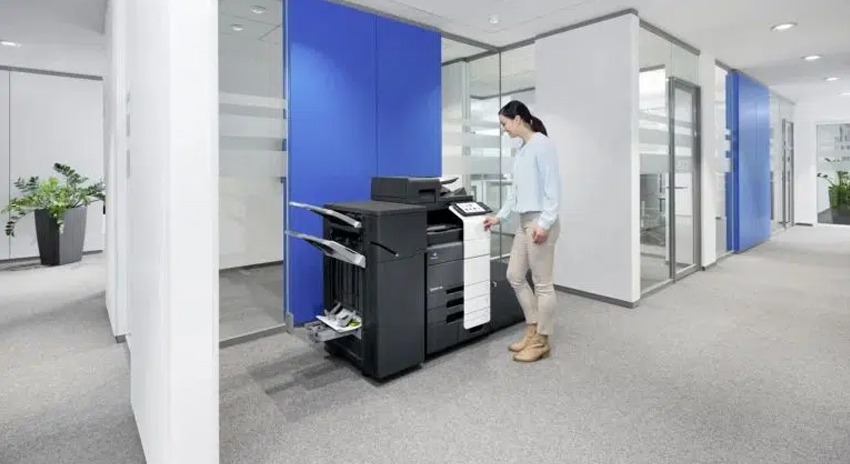


Top Reasons to Upgrade Your Multifunction Printer (MFP)
A multifunction printer (MFP) is often the heart of an organisation’s print environment. When it operates efficiently, it ensures seamless printing, copying, scanning, and faxing across the workplace. Yet many organisations continue using outdated or underperforming printers far longer than they should—despite the critical role these devices play.
If you would take action when noticing even minor issues with your own heart, shouldn’t you do the same for the heart of your print ecosystem?
Being proactive and identifying early warning signs helps organisations strengthen cybersecurity, improve productivity, and maintain a streamlined, cost-efficient print environment.
Why Organisations Should Prioritise MFP Upgrades
Upgrading an MFP requires planning, budgeting, and evaluating evolving technology needs. But understanding the warning signs ensures your business remains productive, secure, and ready for growth.
Below are the most important indicators that it’s time to upgrade your MFP.
1. Outdated Print Equipment
Relying on outdated MFPs slows down workflows, reduces productivity, and prevents your organisation from accessing modern features. Newer models deliver:
- Enhanced functionality
- Faster performance
- Advanced print capability
- Improved efficiency for future growth
2. Excessive IT Support Requirements
If your team is frequently contacting IT or scheduling emergency service calls, your MFP is likely past its useful life.
The average MFP lasts around five years. Beyond this point, maintenance often costs more than replacing the device. Upgrading reduces downtime, restores efficiency, and eliminates employee frustration.
3. Weak Cybersecurity and Data Vulnerabilities
MFPs store data and operate on your network—just like computers. Without modern security features, they become easy targets for cyber threats.
Modern MFPs include:
- User authentication
- Encrypted data storage
- Managed access controls
Upgrading strengthens data protection and reduces the risk of financial or legal consequences from unsecured print environments.
4. Changing and Growing Business Needs
As organisations grow, print demands grow too. A device that worked years ago may now be holding your team back.
Your current MFP may be outdated if it:
- Lacks a user-friendly interface
- Doesn’t support workflow automation
- Has limited paper capacity
- Cannot meet your required print volume or speed
Regular print assessments ensure your technology keeps pace with business expansion.
5. Declining Print Quality and Reduced Functionality
When printing is part of daily operations, poor print quality becomes a serious issue.
Older MFPs often produce:
- Faded or blurred prints
- Toner spots or streaks
- Inconsistent or blemished output
This affects readability and can damage your brand image—especially for client-facing documents. Frequent malfunctions or reduced features are clear signs that it’s time for an upgrade.
Upgrading Your MFP: A Smart, High-Value Investment
A modern MFP delivers significant long-term benefits:
- Faster print speeds
- Greater reliability
- Lower operating and maintenance costs
- Stronger cybersecurity
- Advanced automation and workflows
- Higher print quality
- Increased employee productivity
If your organisation is experiencing any of the warning signs above, now is the right time to take action. Partner with a trusted multifunction printer specialist to assess your current setup and implement an MFP solution that supports both your present and future business needs.